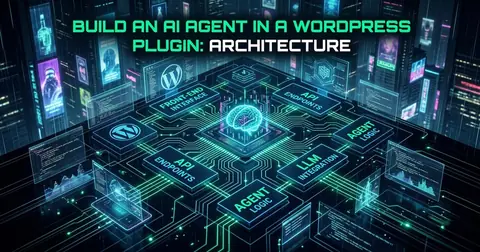
WordPress is a powerful platform, but its default request/response model wasn't designed for the demands of modern automation. These articles cover the patterns and tools that make WordPress automation reliable at scale — from WordPress webhook automation plugin architecture to async and queued webhook delivery that doesn't block your users. We dig into the real limitations of WP-Cron, how to build non-blocking background processing pipelines, and when to reach for external schedulers instead. You'll also find practical guides on integrating WordPress with tools like n8n, Zapier, and custom REST APIs — written for developers and automation engineers who need their integrations to be durable, observable, and production-ready.
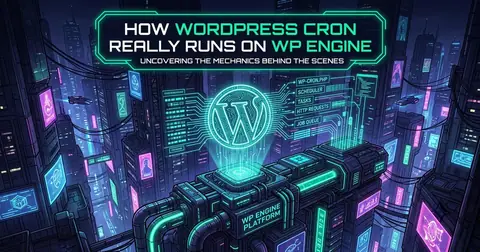
WP-Cron is not a real scheduler. Learn how WordPress scheduled tasks actually work, why they fail silently on low-traffic sites, how to set up a real cron job, and when Action Scheduler is the right tool.
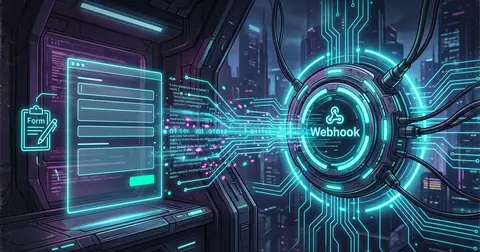
Learn how to create and manage WordPress webhooks via REST API. Control endpoints, enable/disable integrations, and automate setups without code deployments.
The Flow Systems Webhook Actions plugin now exposes a REST API for inspecting delivery logs, retrying failed events, replaying events, and monitoring queue health — all without touching wp-admin.

Learn how to build reliable WordPress webhooks using payload storage, automatic retries for failures, and replay for successful events that need reprocessing.
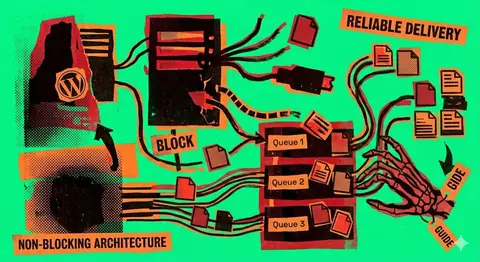
WP-Cron is not real background processing. Learn why WordPress webhooks fail under load, how async queues fix it, and how to build reliable automation in WordPress and WooCommerce.
WordPress webhooks work locally but silently drop events in production. Learn the root causes: WP-Cron limits, missing queues, wrong retry logic, and no observability.

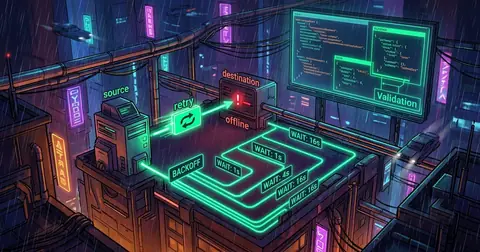
How to implement async webhooks in WordPress and WooCommerce. Queue-based dispatch, exponential backoff, failure handling, logging, and production alternatives.