20s · Gravity Forms Setup
Create a Gravity Forms Webhook in WordPress
Add endpoint URL, select trigger, filter by form ID
A 20-second screencast showing how to create a new webhook in the Webhook Actions plugin targeting a Gravity Forms submission — adding the endpoint URL, selecting gform_after_submission as the trigger action, and optionally filtering by form ID to target a specific form.
/ Related docs
/ More screencasts
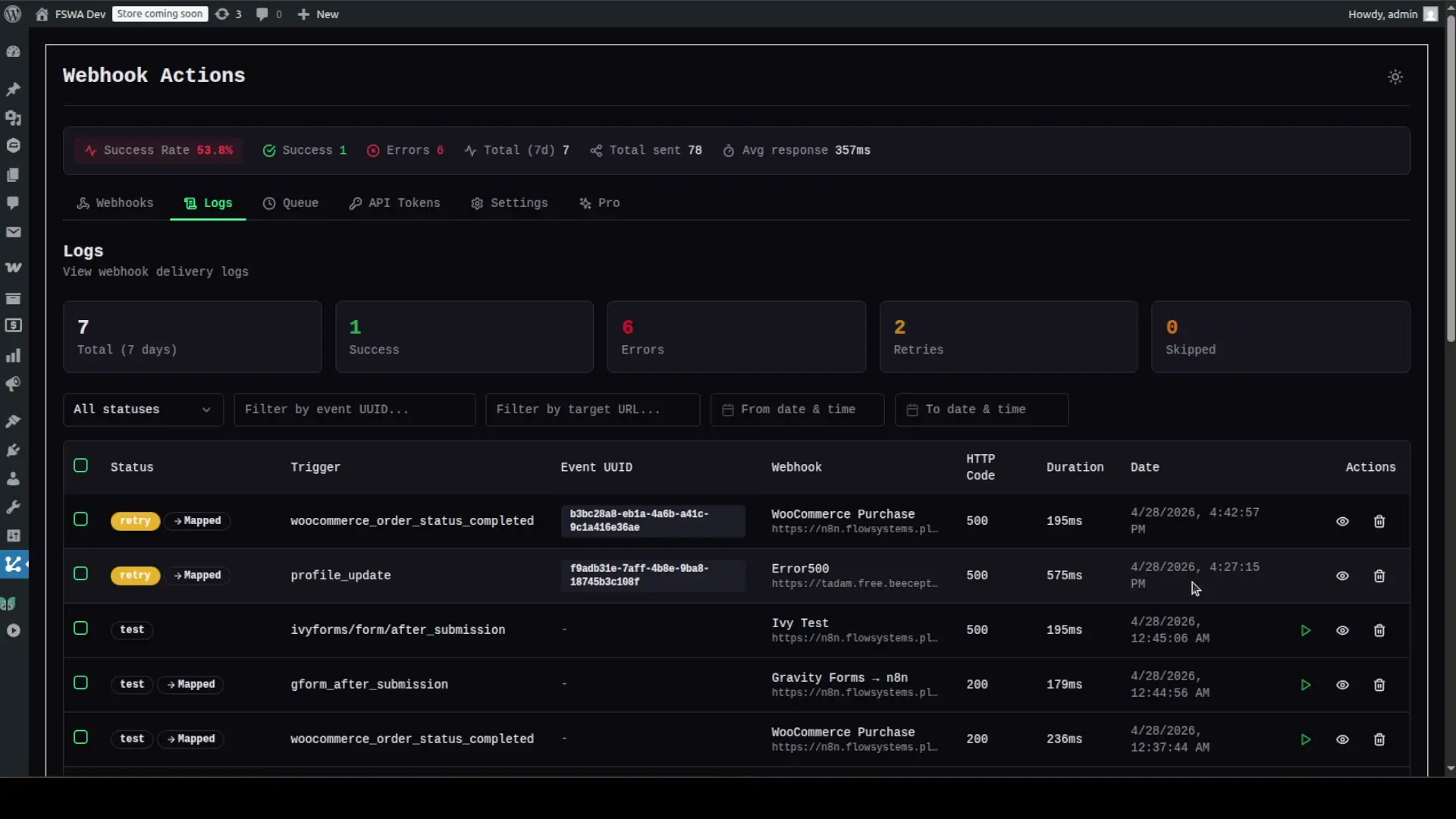
50s · Retry Logic
WordPress Webhook Smart Retry in Action
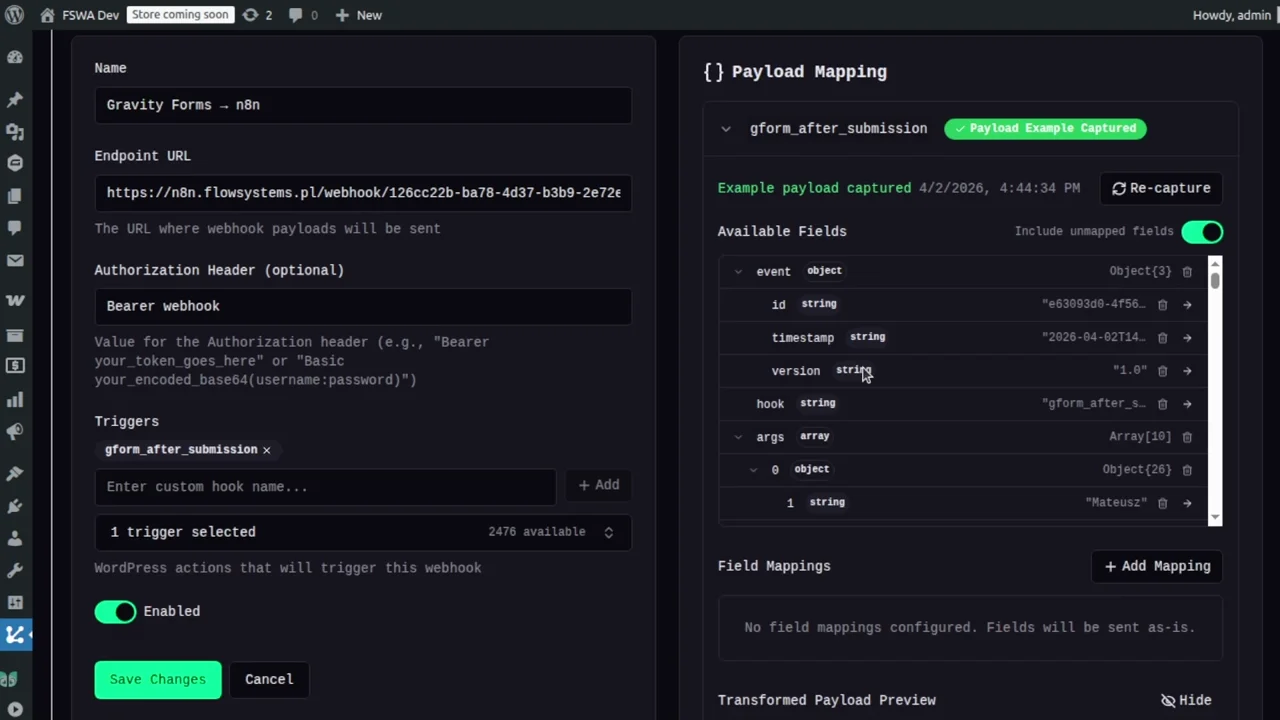
58s · Payload Mapping
WordPress Webhook Payload Mapping via Plugin UI
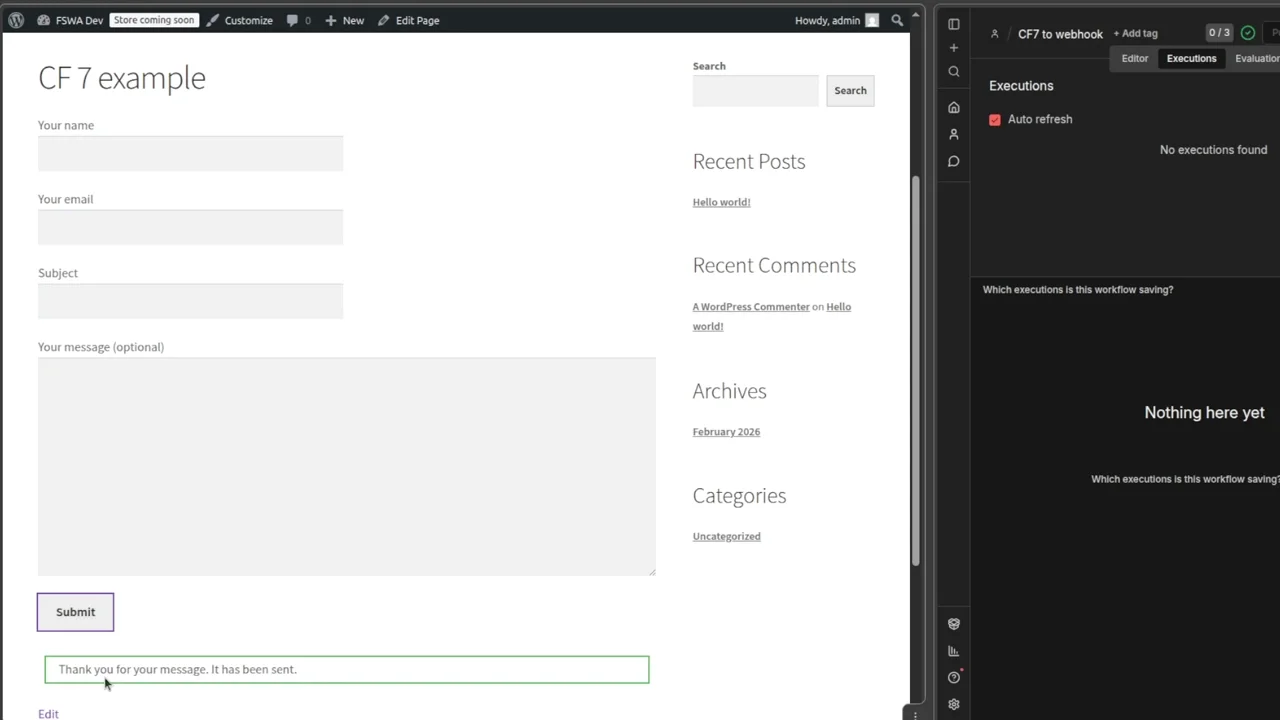
15s · CF7 Integration
Contact Form 7 to Webhook — End-to-End Walkthrough
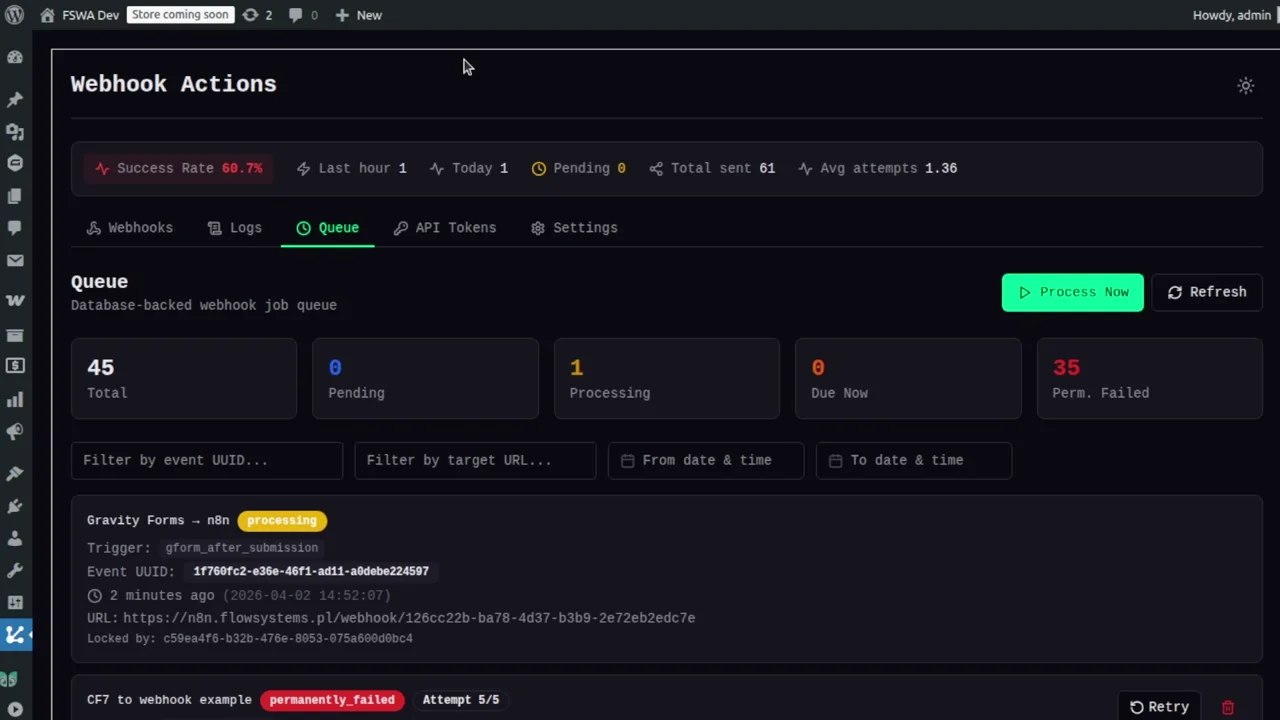
22s · Gravity Forms
Gravity Forms to Webhook — Full Walkthrough
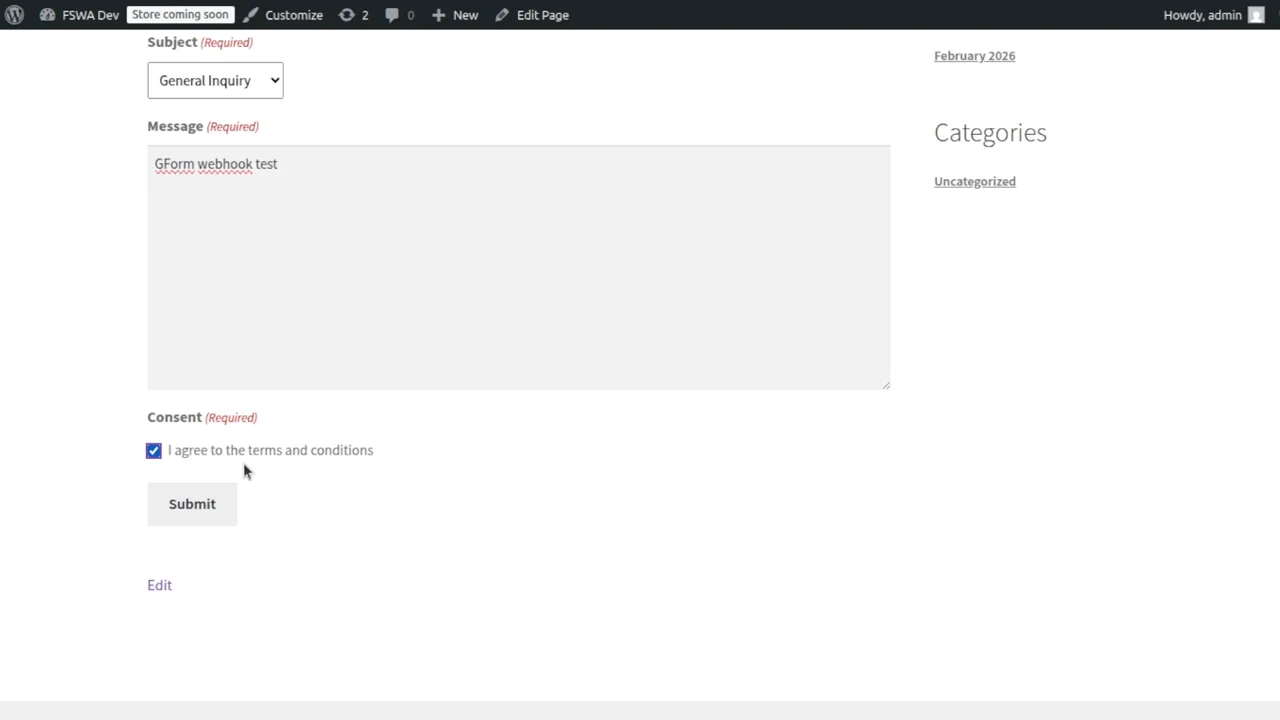
20s · Event Log
Gravity Forms Webhook Submission — Event Log & Payload
Ready Your next automation is
Your next automation is
one sentence away.
$ wp plugin install flowsystems-webhook-actions --activate