58s · Payload Mapping
WordPress Webhook Payload Mapping via Plugin UI
Select fields, rename keys, save — no PHP required
A 58-second screencast showing how to configure webhook payload mapping in the Webhook Actions plugin UI — selecting which WordPress hook context fields to include in the JSON payload, renaming field keys, and saving the mapping configuration — without writing any PHP code.
/ Related docs
/ More screencasts
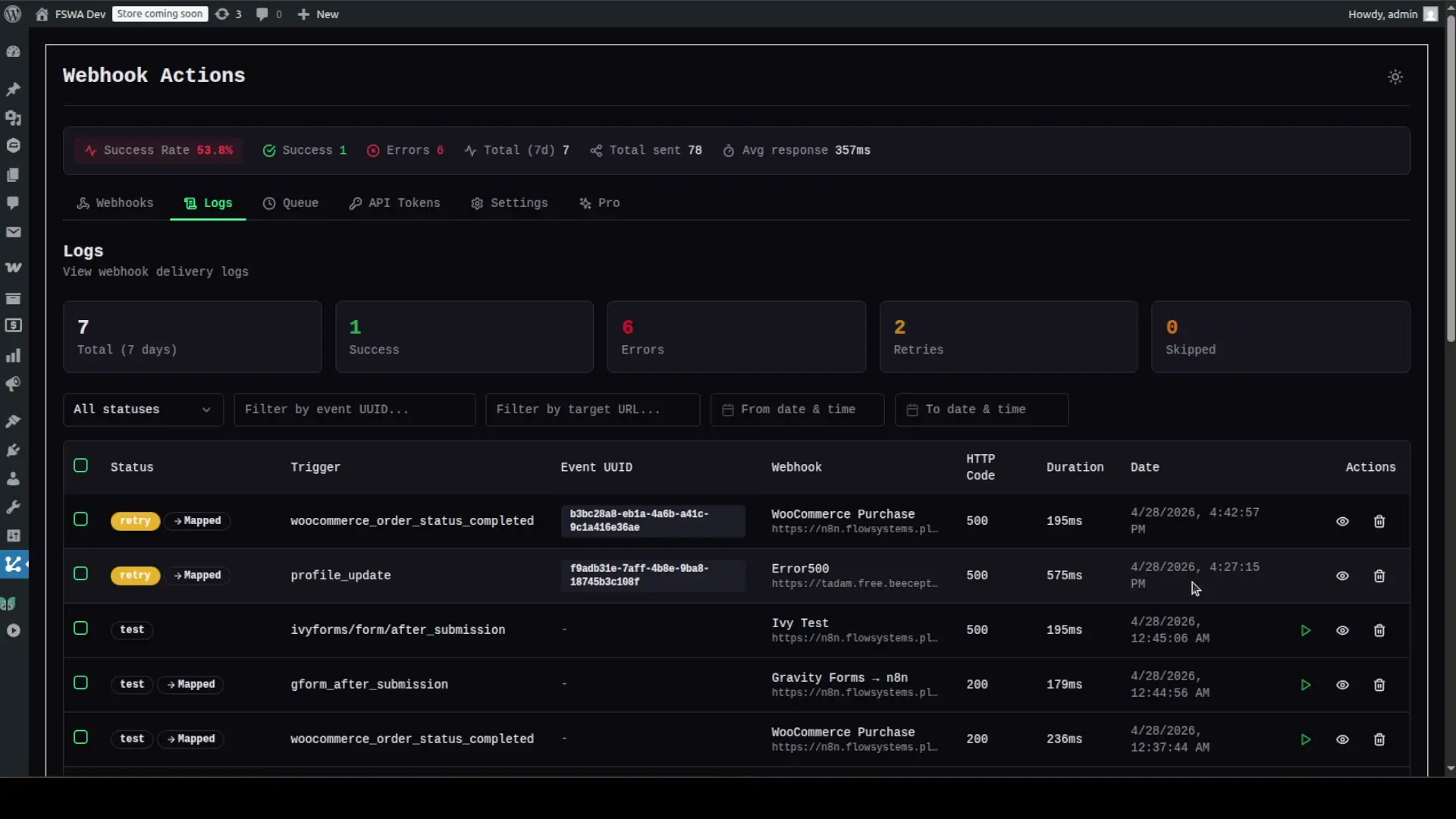
50s · Retry Logic
WordPress Webhook Smart Retry in Action
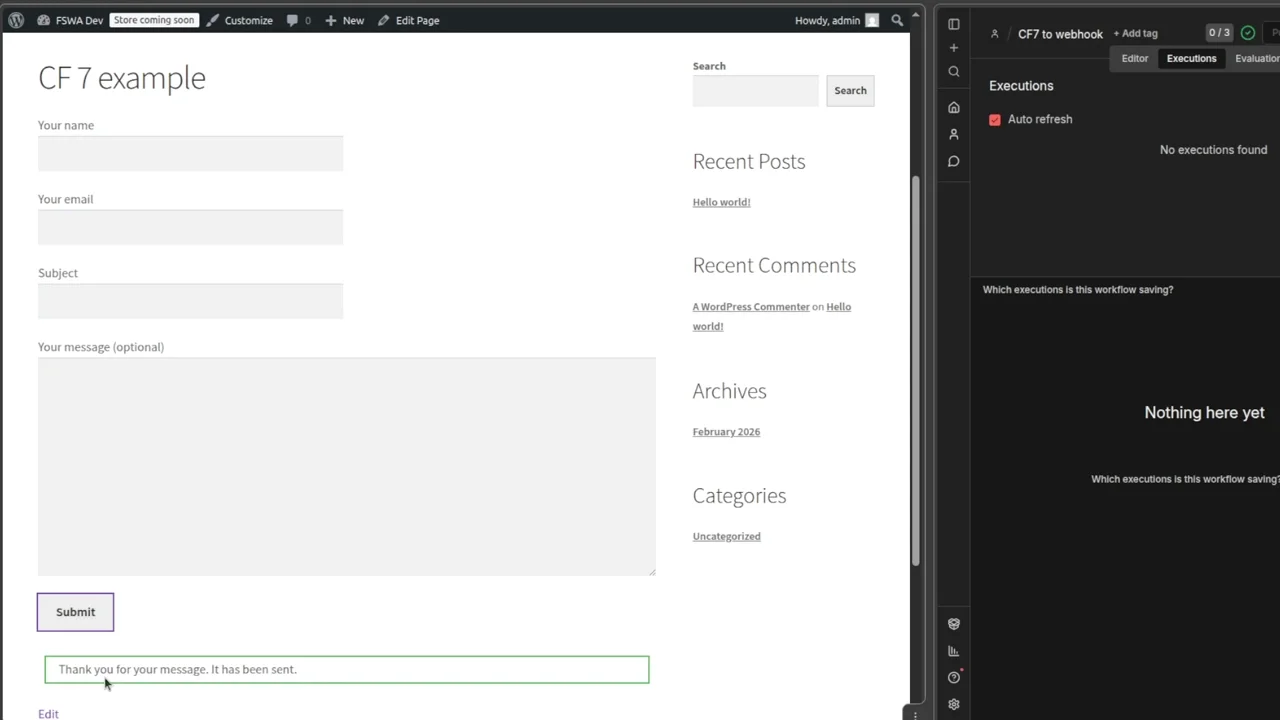
15s · CF7 Integration
Contact Form 7 to Webhook — End-to-End Walkthrough
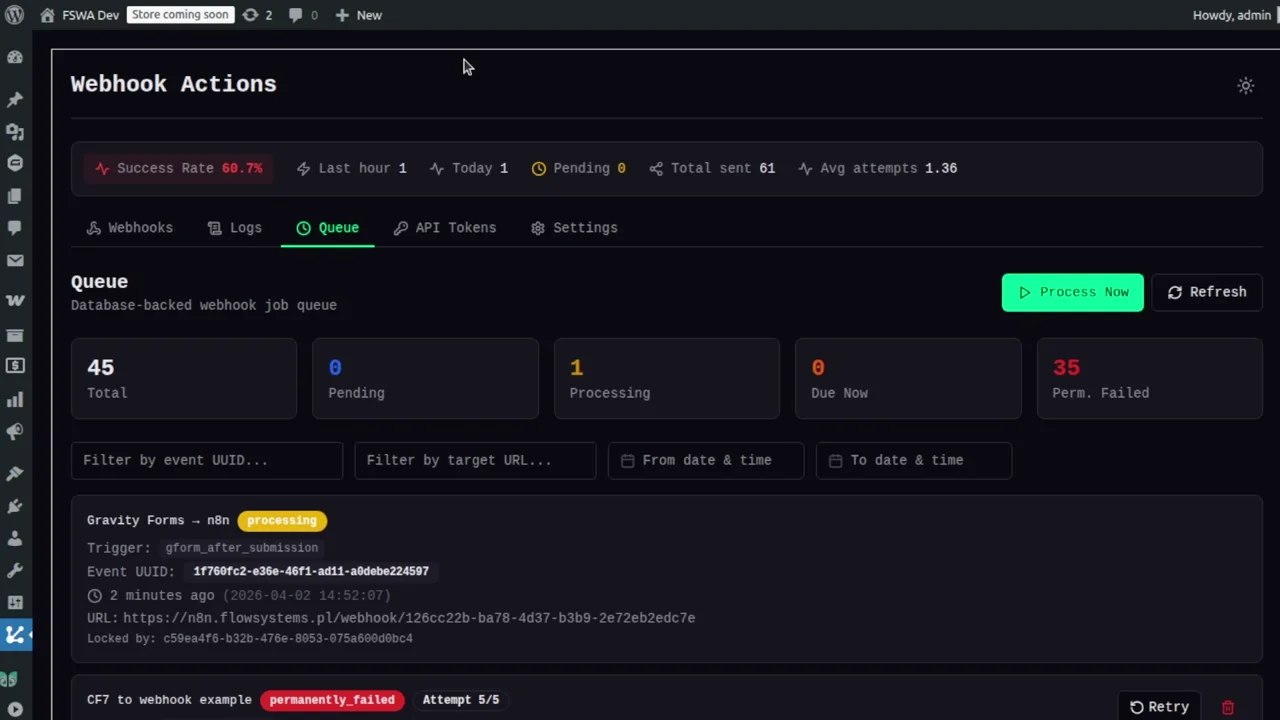
22s · Gravity Forms
Gravity Forms to Webhook — Full Walkthrough
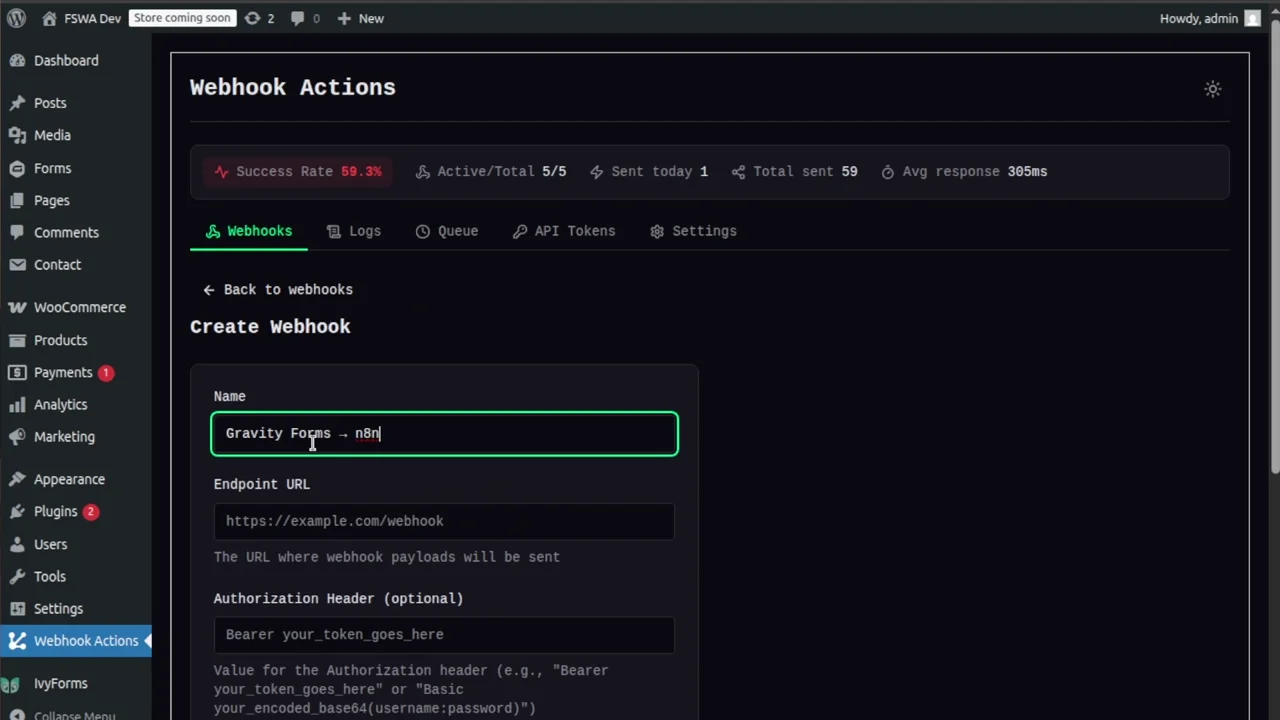
20s · Gravity Forms Setup
Create a Gravity Forms Webhook in WordPress
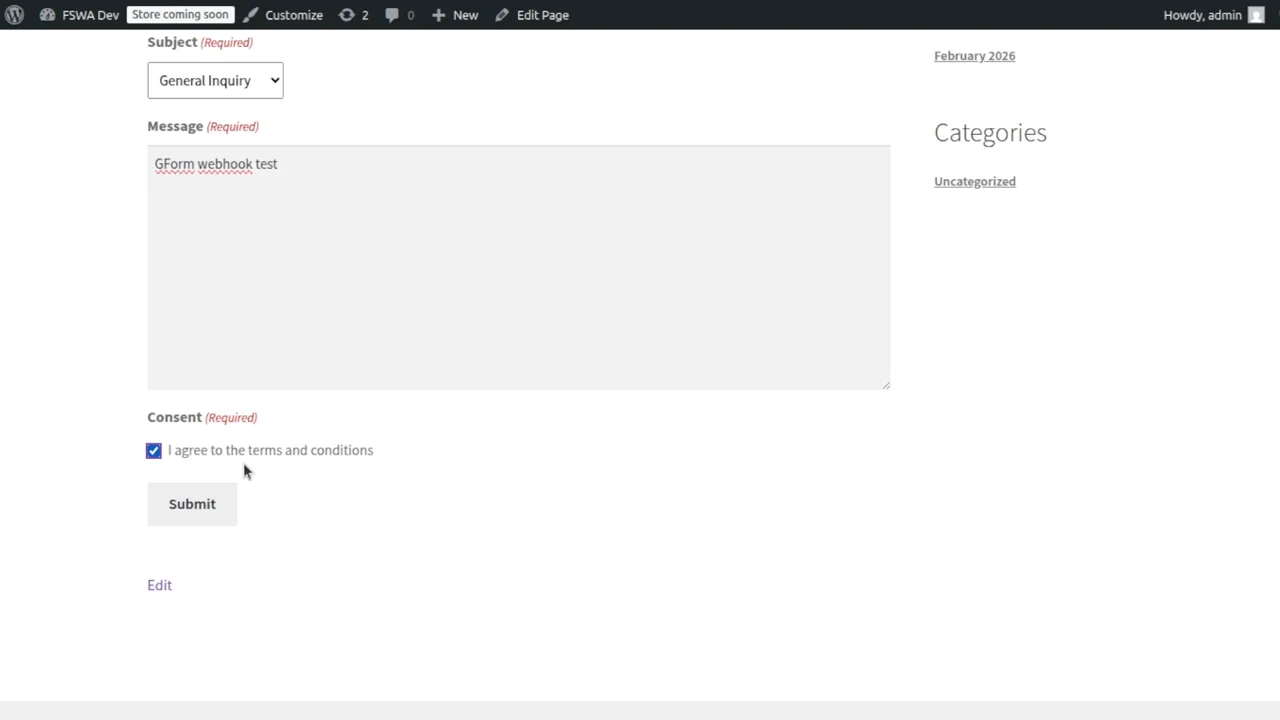
20s · Event Log
Gravity Forms Webhook Submission — Event Log & Payload
Ready Your next automation is
Your next automation is
one sentence away.
$ wp plugin install flowsystems-webhook-actions --activate